
| Hotline | Sale:(852) 2686 8292 |
| WhatsApp:(852) 5492 2227 | |
| Fax | (852) 2686 8027 |
| kf-sales@kingfung.com.hk | |
| Working Hours | Mon-Fri:9:00-18:00 |
| Close on Sat, Sun and all other public holidays |
Virtual Desktop Infrastructure
KF-Virtual Deskop Infrastructure
Virtual Desktop Infrastructure (VDI) is a rapidly growing trend as moreand more companies want to connect with the talented employeesthey need, anywhere, anytime, while upholding business continuity and saving on operating costs.
|
 |
|
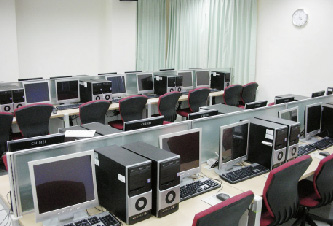
Traditional PCs |
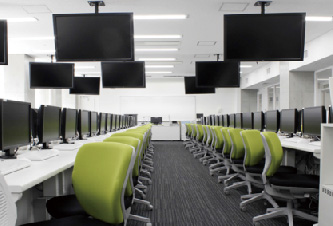
PCs with Virtual Desktop |
|
VDI (Virtual Desktop Infrastructure)
Devices Supported : |
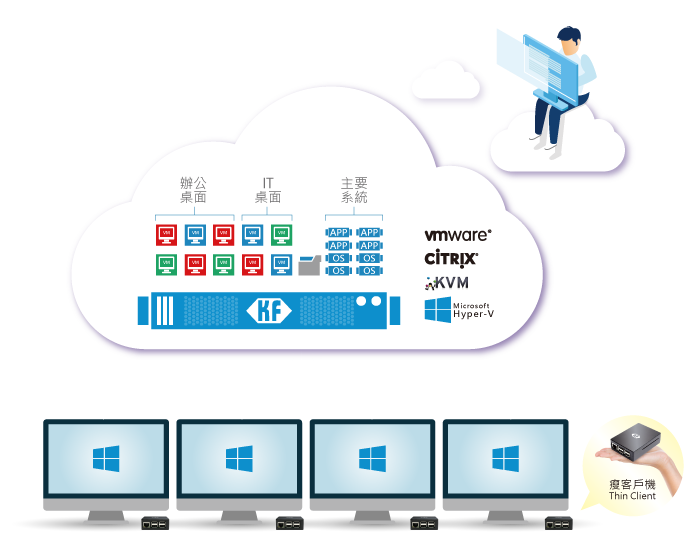
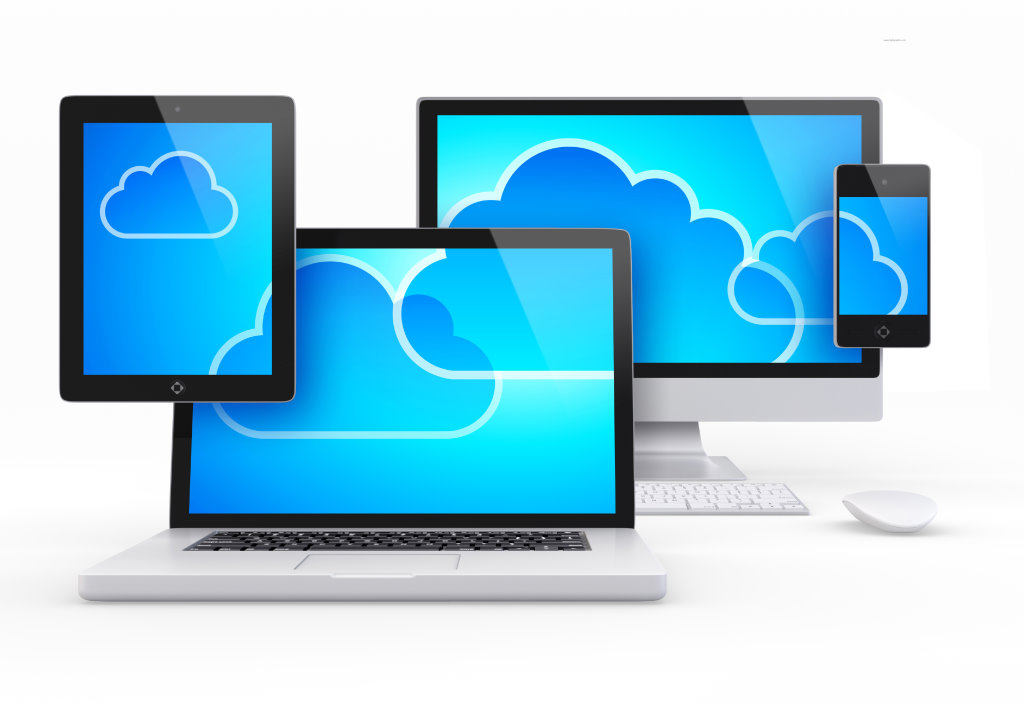
Virtual Dekstops essentially offer all the features of a desktop computer, accessible from any machine or device, anywhere. This is accomplished by storing the "virtualized" desktop environment using a data center or remote server and not the individual machine. Users interact with a virtual desktop in the same way they would use a physical desktop in the office. However, virtual desktops lets the user remotely log in to access a desktop environment from any location. A virtual desktop infrastructure, or VDI, is desktop virtualization to link multiple virtual machines.
Conventional PC Architecture Challenges
|
Desktop Management Centralizing desktop management is an exceptionally difficult task in the face of a widely distributed computing environment and the corporate workforce. |
Total Cost of Ownership Ongoing PC management including deployment of software, patches and updates can be time consuming and labor-intensive because of the need to test and confirm deployments for a wide range of PC configurations. |
|
|
Data Security It is a challenge to ensure that data on PCs is effectively backed up and can be restored when the PCs fail or files are lost. |
Low Resource Utilization The distributed nature of PCs makes it quite difficult to pool the resources to enhance the utilization and reduce costs. |
Virtual Desktop Advantages
 |
Workforce Mobility Because desktop environments and the data they use are hosted in a central or remote server, employees have the ability to work anywhere, anytime, no matter what may happen at the office. Virtualized desktops allow companies to attract talent from any location, by offering the ability to work remotely, while still collaborating with coworkers. |
|
|
|
||
 |
Centralized Management, back-ups and recovery Centralized management of all devices, BYOD included, allows the company to manage administration, deployment and compliance from a central location. Recovering a virtual desktop to an originally deployed state and conducting backups can be relatively easy in a VDI situation. |
|
|
|
||
 |
VDI Cost Savings When considering the total cost of ownership, simplistic evaluations of costs fail to show the full picture. There are hidden costs and risks with each desktop management model and each execution model. Key areas of cost savings for VDI include:
|
|
|
|
||
 |
Reduced Data Security Threats. With virtualized desktops, the actual data rests in the data centers or remote servers, eliminating the loss of data on local machines. Because data is centralized, it is easier to detect and isolate viruses or threats before they cause damage. Further, the virtual machine has no contact with a machine's operating system, so there is little possibility of a program damaging other files or applications. |
|
|
|
||
 |
Virtual GPU GPU graphics devices are designed to optimize complex graphics operations and enable them to run at high performance without overloading the CPU. GPU provides unparalleled graphics performance, cost-effectiveness and scalability by sharing a single physical GPU among multiple virtual machines as separate GPU-enabled passthrough devices. |
|
|
|
||
 |
Supports Green Initiatives, Saves Power. VDI separates the hardware resources from the operating system and applications of a physical workstation. This means that multiple, sometimes under-utilized, computers can be virtualized into a single physical computer. Separating these components and managing them more efficiently and virtually saves on power and the use and disposal of devices. |
|